起因是我看到了基于DataviewJS的Tasks查询每周的任务尝试了一下,效果如下
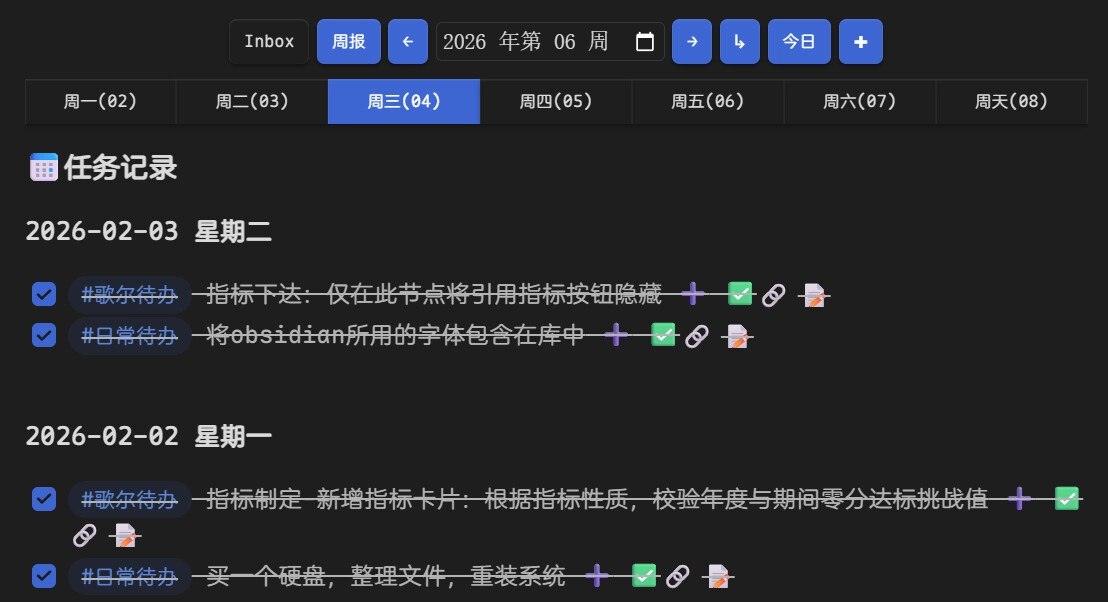
我注意到右上角的 + 按钮,熊猫佬的逻辑是
由于不知道从哪里获取默认日记位置,目前需要配置Periodic Notes插件来获取日记位置。
如果日记不存在则从Periodic Notes插件获取template并创建。
但我自己本身有一套创建待办的逻辑:
- 创建不同的存放待办的笔记,笔记属性 types 为 task
- 获取 Notes 路径下,笔记属性 types 为 task 的文件
- 使用 tp.system.suggester 让用户选择一个待办文件
- 获取文件的 Frontmatter 中的 aliases 属性作为标签
- 收集任务内容
- 格式化待办内容
- 添加任务到文件
具体效果如下
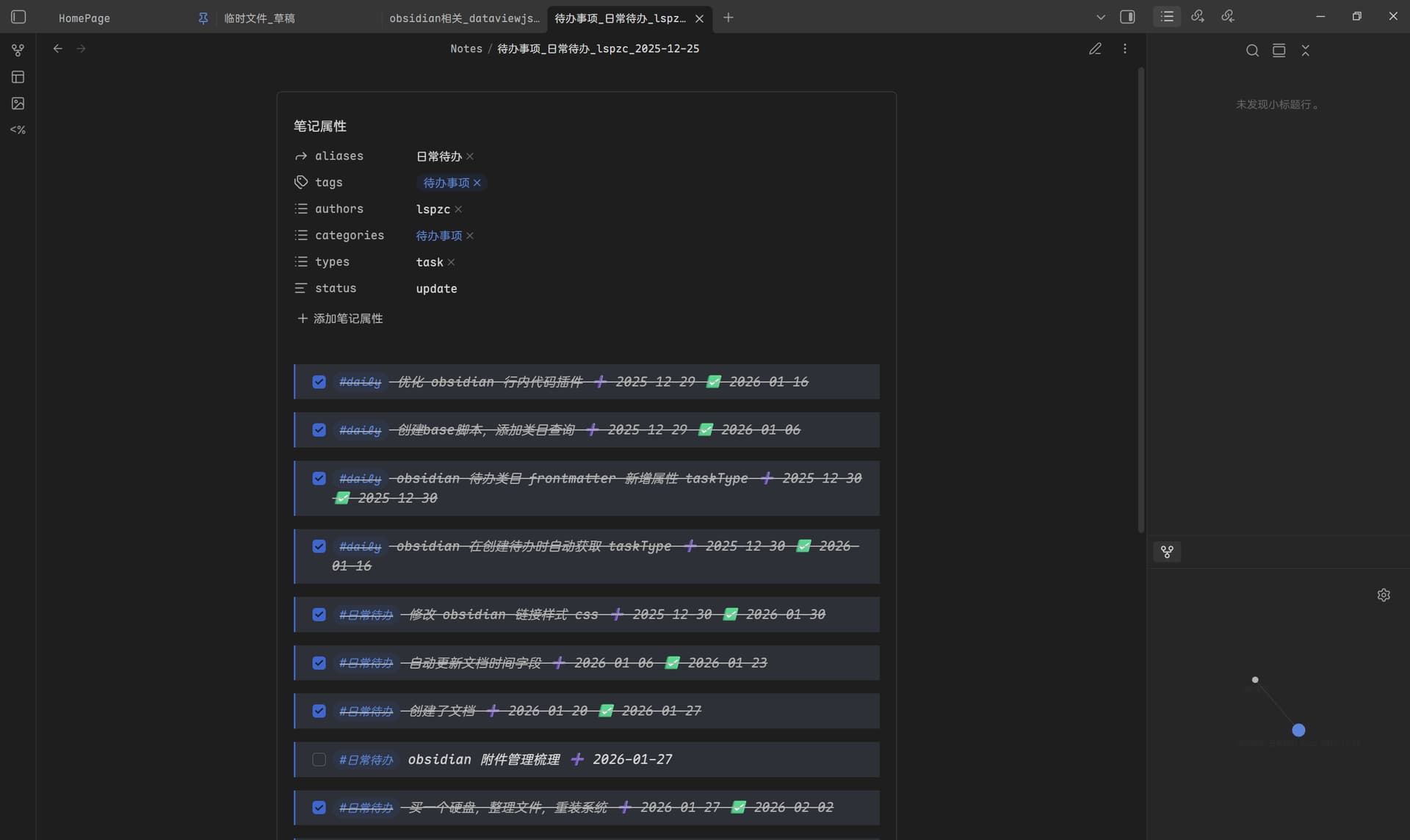
我自己的逻辑是通过 templater 插件实现自动化的,通过路由 templater 模板触发
我想将自己的逻辑替换为熊猫佬的 + 触发
但这样就涉及到一个问题:如何在 dataviewjs 中调用 templater 模板,并保证运行正确无误
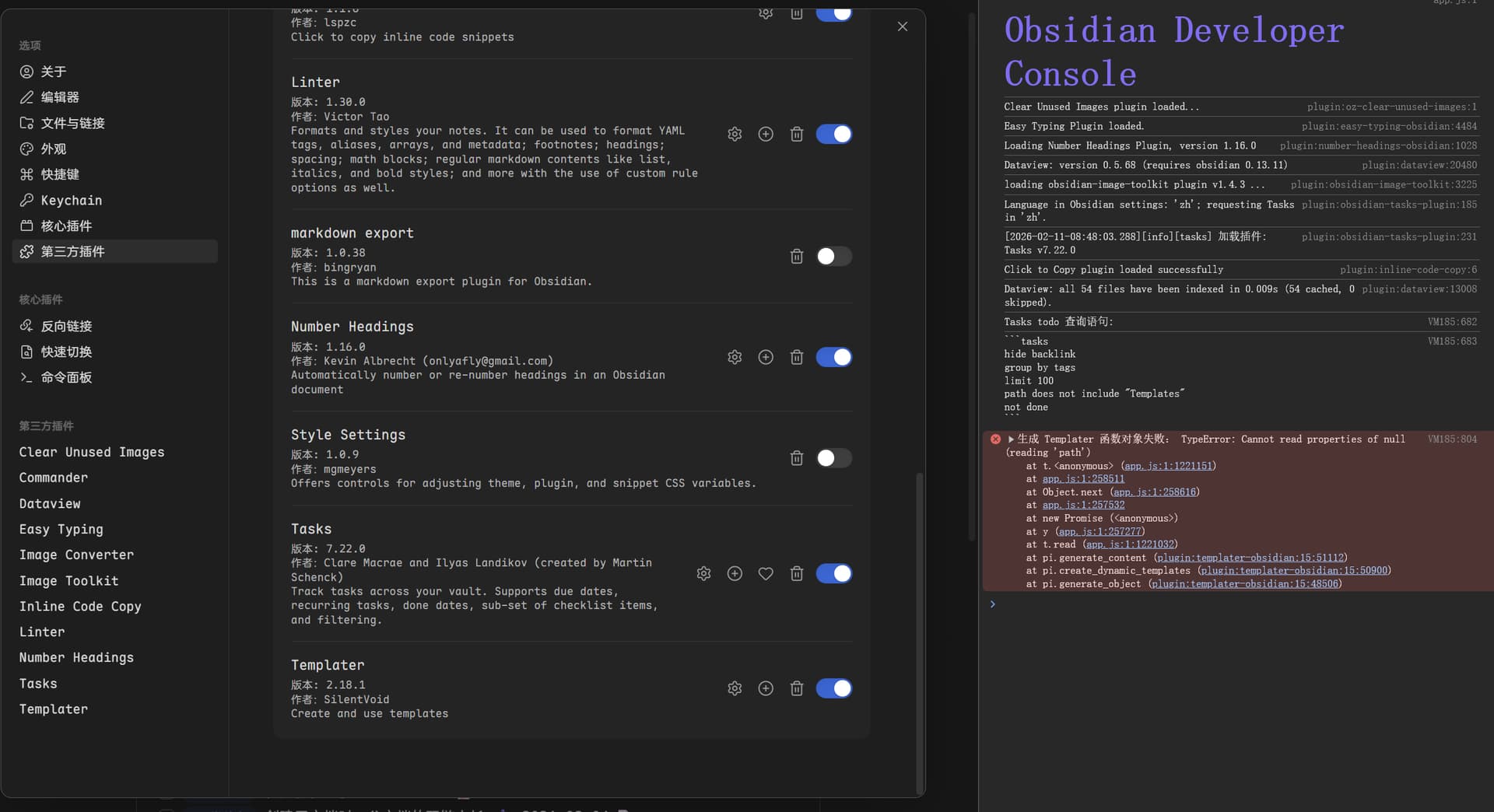
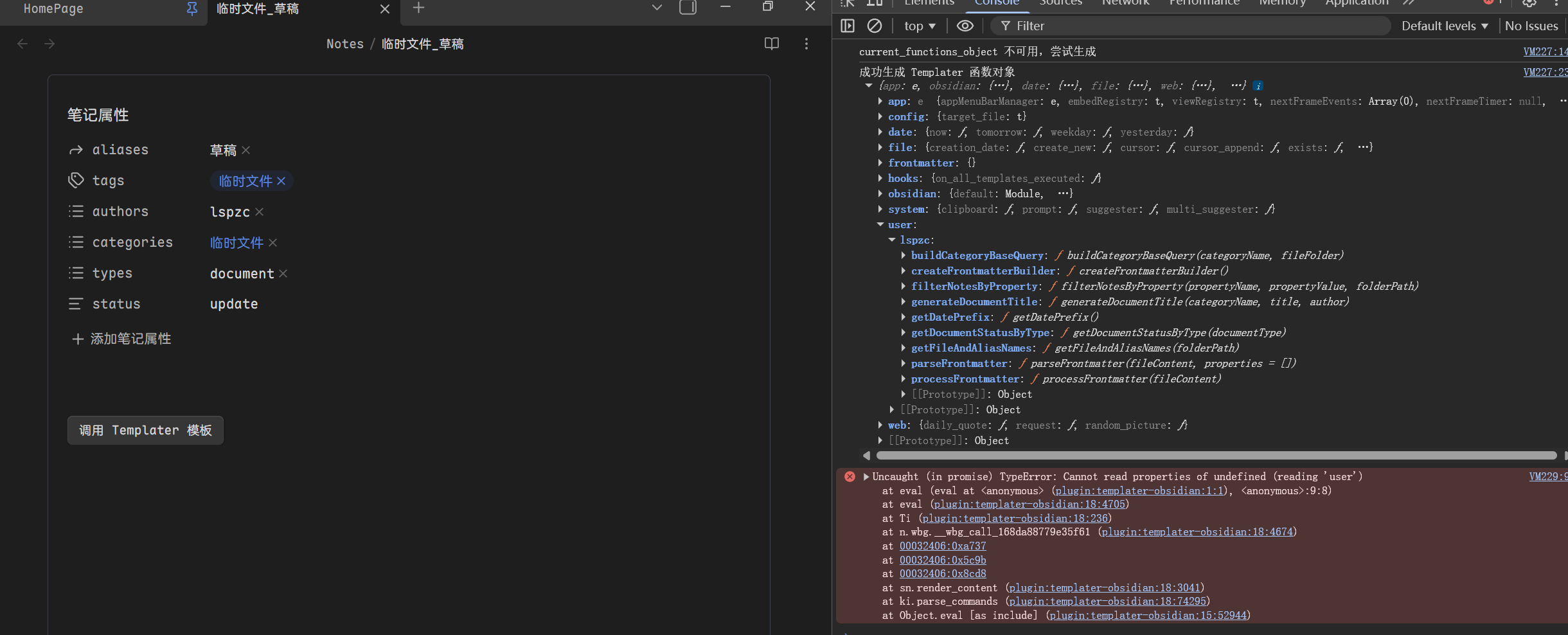
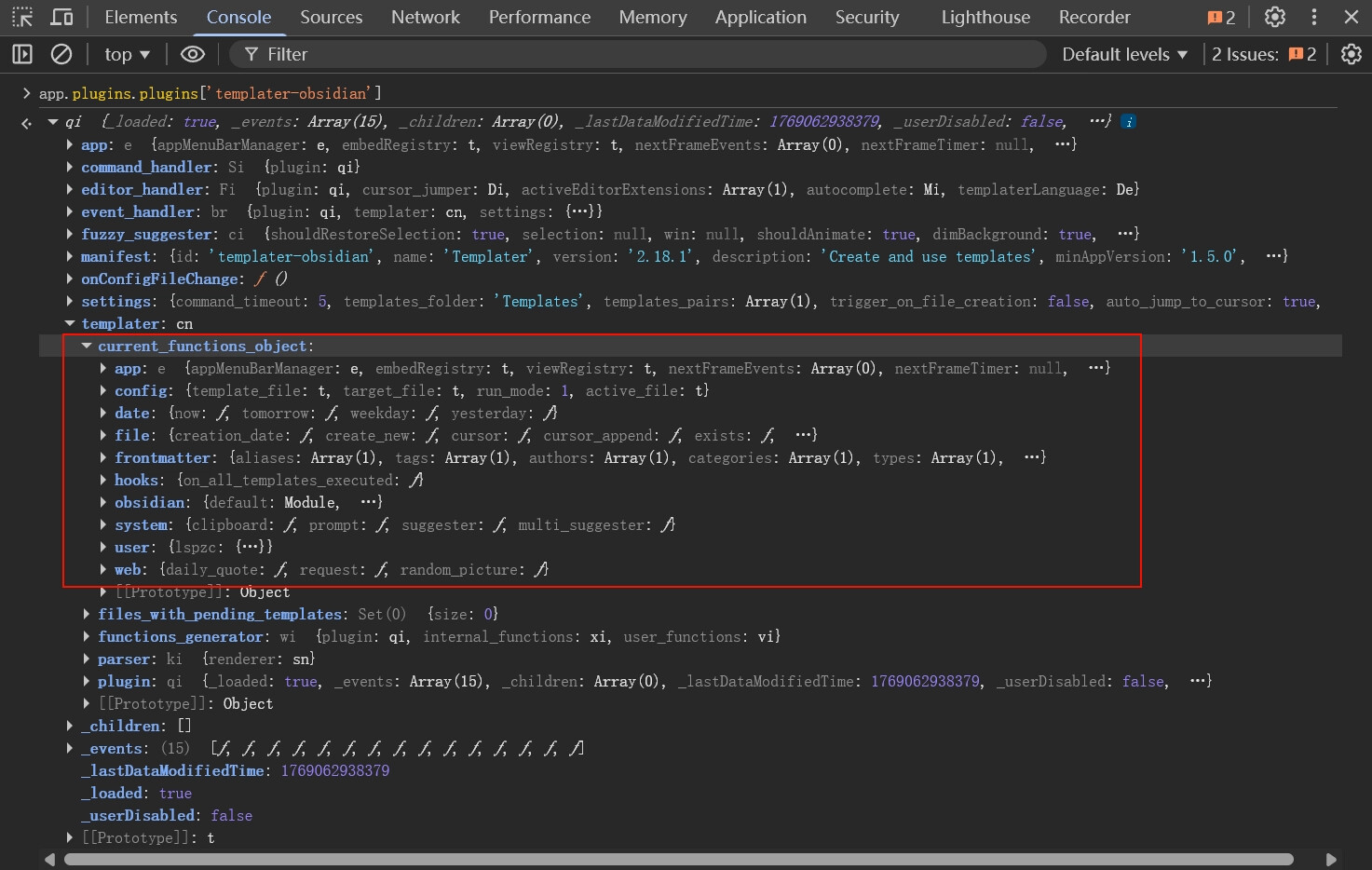
我在控制台挨个尝试了一下,发现
app.plugins.plugins['templater-obsidian'].templater.current_functions_object
下边似乎就是 tp 中的一些核心方法
我自己的待办逻辑在路由中主要是通过 tp.file.include() 方法触发
// 路由配置区(用户只需维护用户选项与模块模板路径)
const routerConfig = [
    { option: "代码块", path: "[[module_getCodeBlock]]" },
    { option: "待办事项", path: "[[module_insertTask]]" },
    { option: "外部链接", path: "[[module_getOutLink]]" },
    { option: "标注引用", path: "[[module_getCallout]]" },
    { option: "文档状态变更", path: "[[module_updateStatus]]" },
    { option: "创建子文档", path: "[[module_createChildNode]]" }
];

// 执行区
const userOptions = routerConfig.map(item => item.option);
const choice = await tp.system.suggester(userOptions, routerConfig);
if (!choice) {
    new Notice("操作已取消");
    return;
}

const output = await tp.file.include(`${choice.path}`);

if (output) {
    tR += output;
}
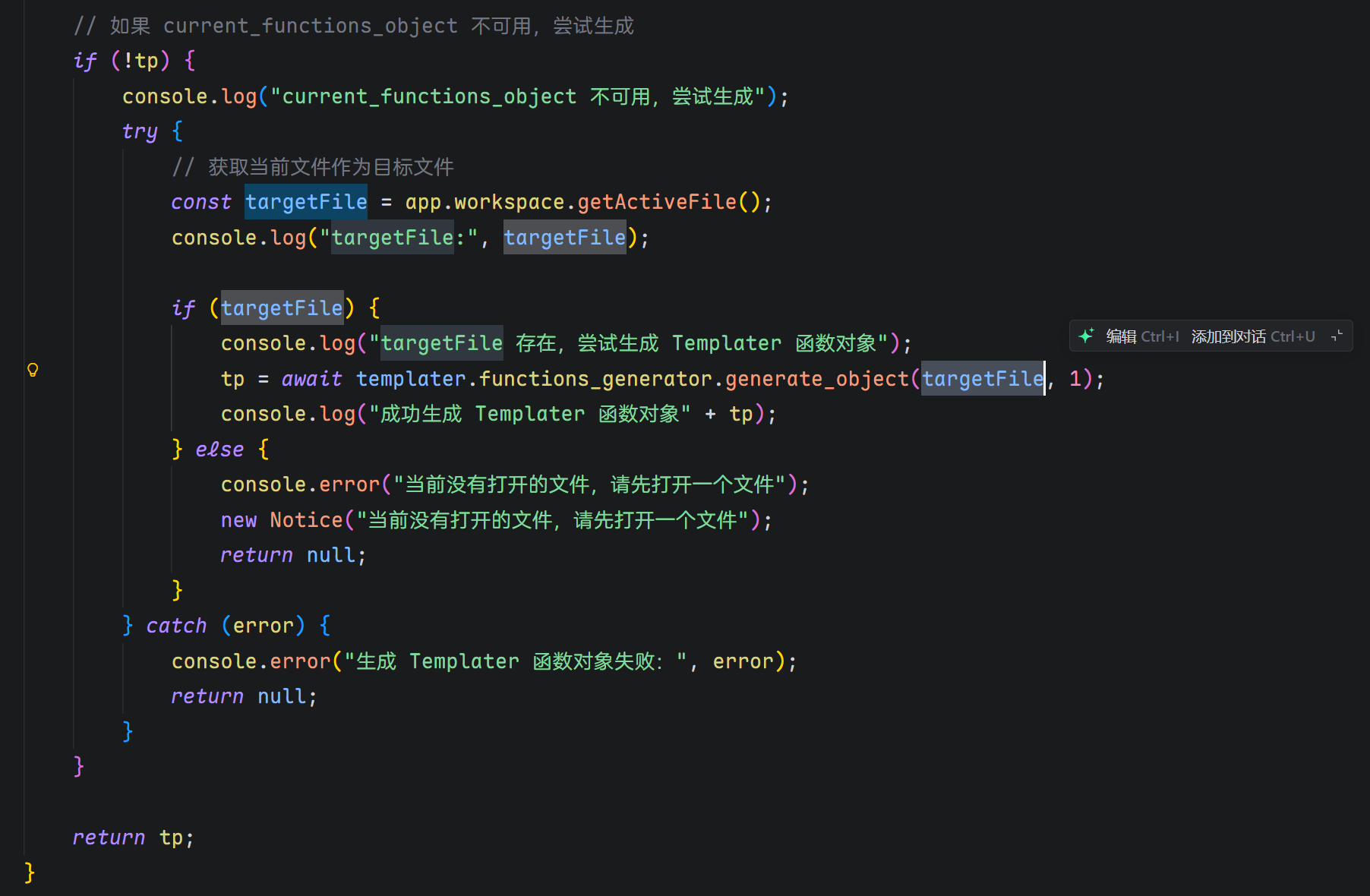
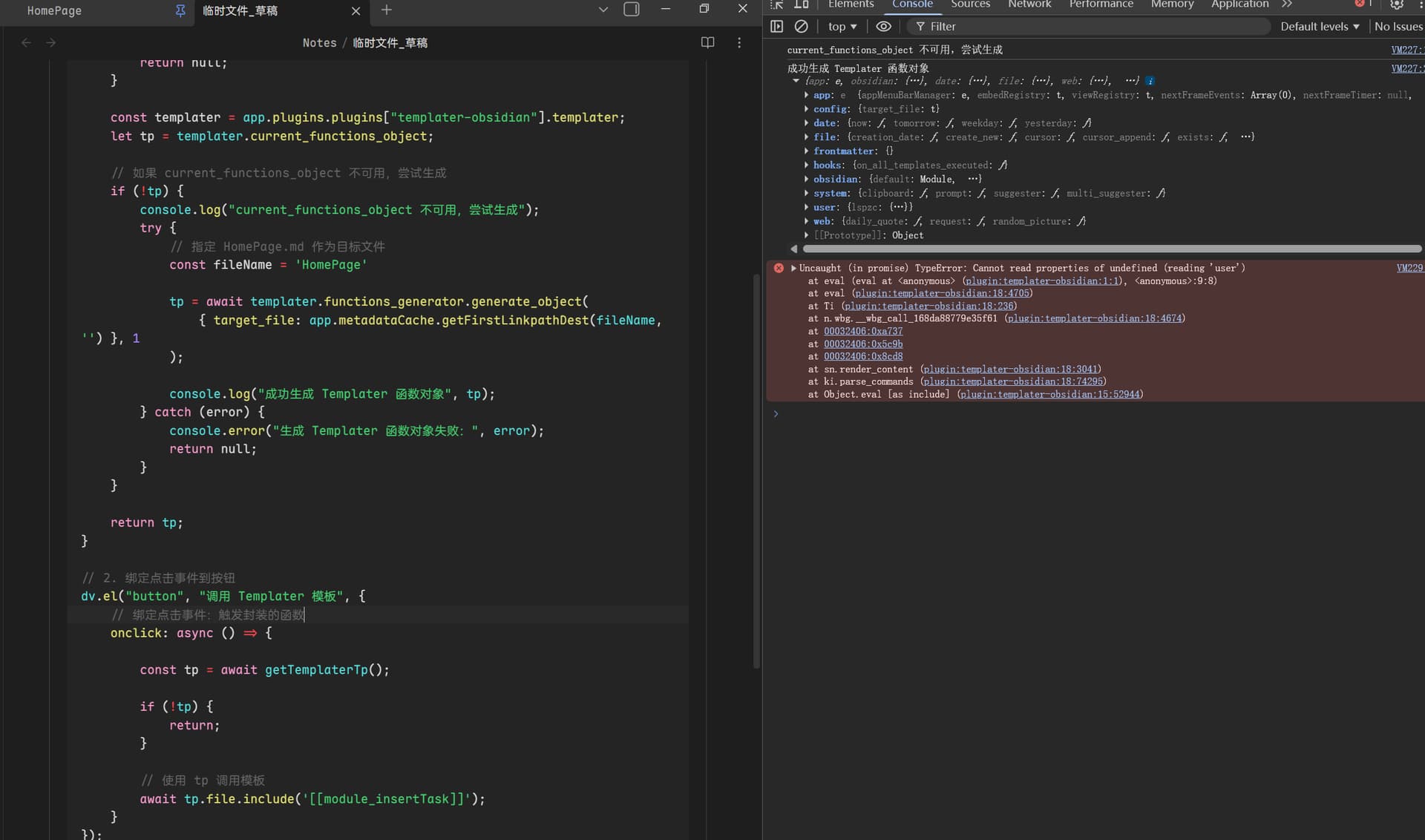
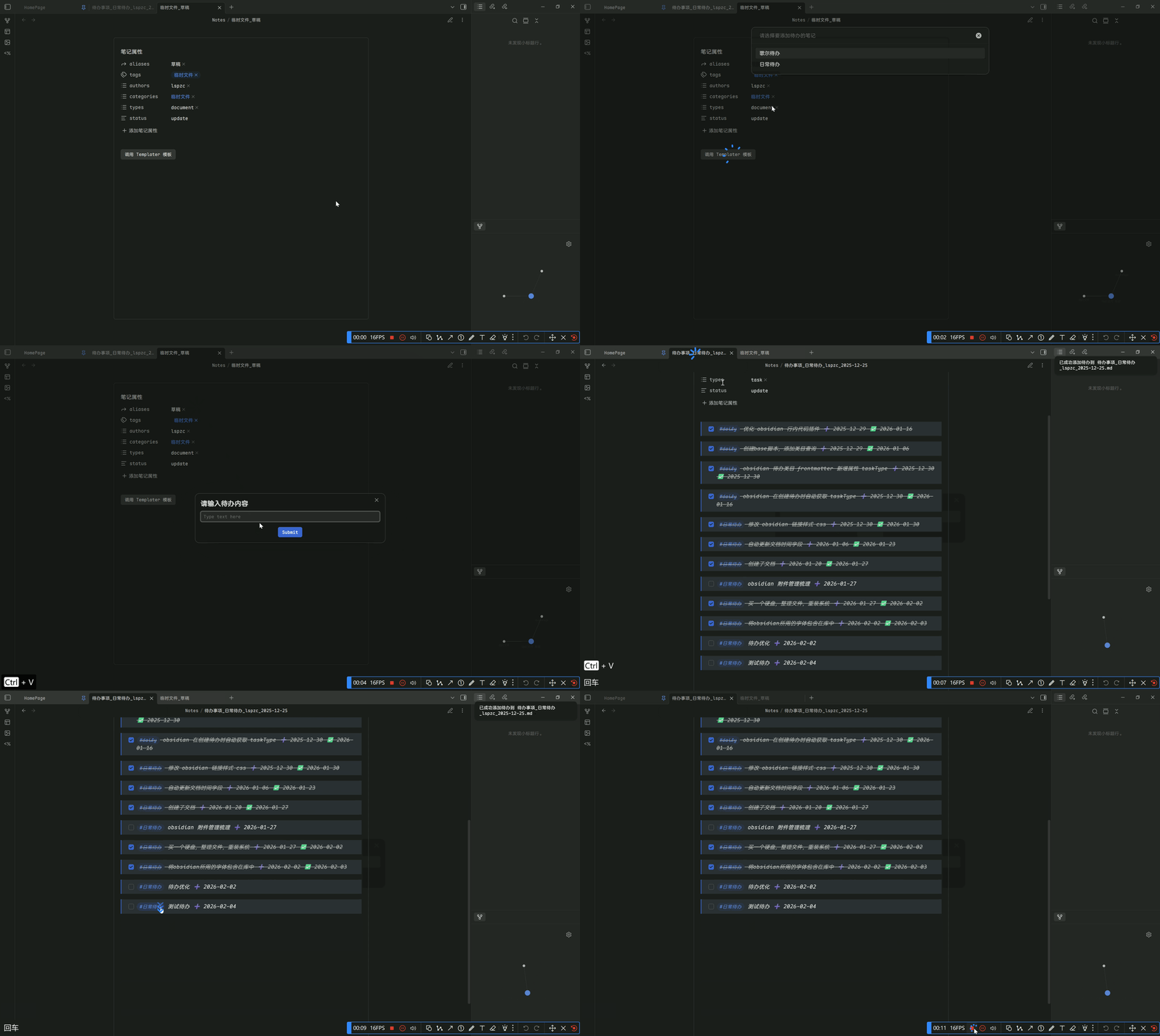
我尝试了一下在 dataviewjs 中使用 tp.file.include() 发现确实可以用效果与代码如下
// 封装 Templater 调用函数
async function callTemplaterFilenclude(moduleName) {
    if (app?.plugins?.plugins['templater-obsidian']) {
        try {
            const templaterPlugin = app.plugins.plugins['templater-obsidian'];

            // 获取核心方法集
            const tp = templaterPlugin.templater.current_functions_object;
            console.log("Templater tp 方法:", tp);

            // 给 include 方法绑定 Templater 上下文(避免 this 指向错误)
            const boundInclude = tp.file.include.bind(templaterPlugin.templater);

            // 调用模板
            const output = await boundInclude(`[[${moduleName}]]`);
            console.log("模板输出:", output);
        } catch (error) {
            console.error("详细错误:", error);
        }
    } else {
        console.error("未启用 Templater 插件,请先开启");
    }
}

// 2. 绑定点击事件到按钮
dv.el("button", "调用 Templater 模板", {
    onclick: async () => {
        await callTemplaterFilenclude("module_insertTask");
    }
});
由于我没有系统的学习过前端,怕这样调用会出问题,想请教大佬
- 我原本是直接调用
current_functions_object中的.file.include方法,后边让 AI 看看,才加了.bind方法,这个有问题吗,或者有用吗,我直接用好像也没有出问题 - templater 有更方便的调用接口吗,我在官方文档没找见,所以才直接扒把控制台
- 有更安全或优雅的封住方式吗,如果想在 dataviewjs 中调用 templater 接口
感觉这样利用 dataviewjs 中写一些按钮样式之类的配合 templater 能实现挺多功能的