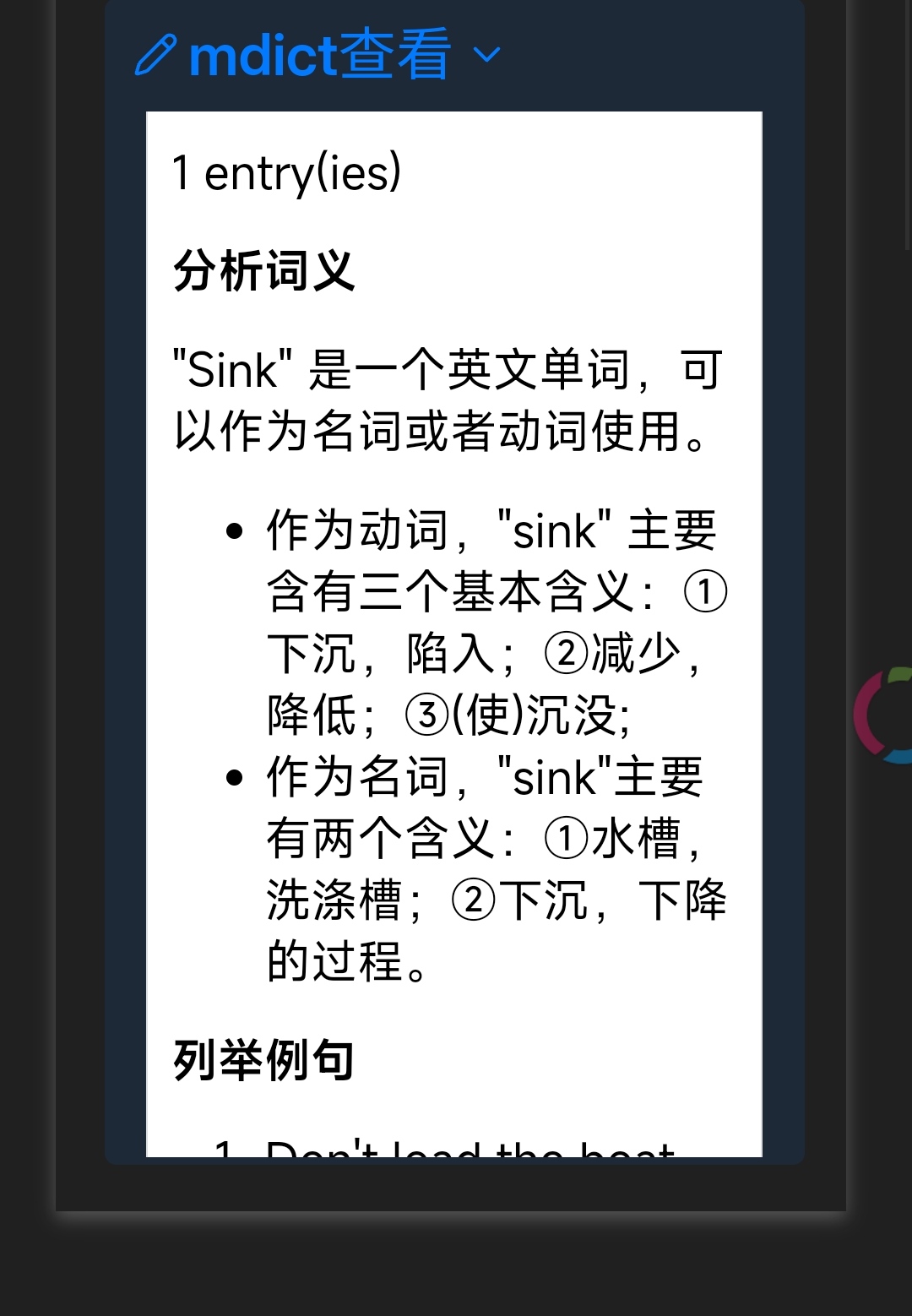
在网上找到一份网页源码,可以在网页中读取mdict词典,本来想改造成Obsidian插件,但水平不够,失败了
于是想把这个网页放到Obsidian中直接运行,让它自动加载词典和单词
最终通过dvjs实现了,特来分享一下
原理很简单,就是通过dvjs运行html文件,并在html路径后面配上参数让html自动解析,全部通过AI搞定的
dvjs代码如下
默认自动查询文件名
\`\`\`dataviewjs
const name0 = dv.current()?.file.name;

// DataviewJS: 加载HTML并自动注入文件路径
const htmlFilePath = "dataviewjs模块/mdx词典/网页版mdict查询/mdict.html"; // 修改为你的HTML文件路径
const dictFilePath = [ // 修改为你的词典文件路径数组
    "dataviewjs模块/mdx词典/词典包/威威的GPT单词本(8000词).mdx",

    // 可添加更多词典路径,用逗号分隔
];

let queryWord = name0 ? name0 : "hello"; // 指定要查询的单词,默认文件名

if(input!=null && input["word"]!=null){
  queryWord=input["word"]; // 指定要查询的单词,优先参数
}


try {
    const htmlFile = app.vault.getAbstractFileByPath(htmlFilePath);

    // 检查HTML文件是否存在
    if (!htmlFile) {
        dv.el("p", "未找到HTML文件,请检查路径。");
        return;
    }

    // 检查所有词典文件是否存在
    const dictFiles = [];
    for (const path of dictFilePath) {
        const file = app.vault.getAbstractFileByPath(path);
        if (!file) {
            dv.el("p", `未找到词典文件:${path},请检查路径。`);
            return;
        }
        dictFiles.push(file);
    }

    const htmlFileUrl = app.vault.getResourcePath(htmlFile);
    // 收集所有词典文件的资源路径,用逗号分隔
    const dictFileUrls = dictFiles.map(file => app.vault.getResourcePath(file));
    const dictsParam = dictFileUrls.join(",");

    // 创建iframe,通过URL参数传递配置
    const container = dv.el("div", "", {
        style: "width: 100%; height: 600px; border: 1px solid var(--background-modifier-border); border-radius: 8px; overflow: hidden;"
    });

    const iframe = document.createElement("iframe");
    // 添加dicts参数(多个词典路径)、查询单词和隐藏选择框参数
    iframe.src = `${htmlFileUrl}?dicts=${dictsParam}&word=${queryWord}&autoquery=true&hidechooser=true`;
    iframe.style.width = "100%";
    iframe.style.height = "450px";
    iframe.style.border = "none";
    iframe.sandbox = "allow-scripts allow-same-origin allow-forms allow-popups allow-modals";
    iframe.allow = "fullscreen";

    container.appendChild(iframe);

} catch (error) {
    dv.el("p", `加载失败: ${error.message}`);
}


\`\`\`
下面是网页文件和dvjs脚本,里面包含了一个mdict词典文件,测试有效
hi,这是我用百度网盘分享的内容~复制这段内容打开「百度网盘」APP即可获取 链接:百度网盘 请输入提取码 提取码:6x9r
效果如图